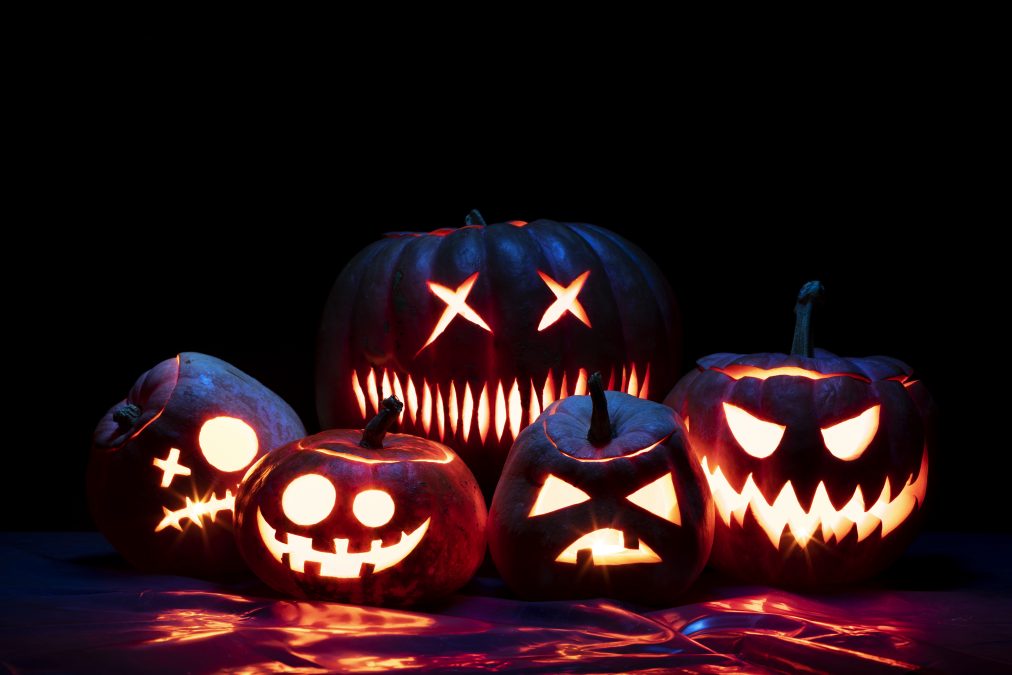
Halloween is the perfect time to get creative and explore spooky looks, and with the rise of AI technology, you can easily change your face into something frightening, funny, or downright surreal. AI Halloween face changers have transformed the game, allowing users to apply realistic and detailed masks, makeup, and effects to their faces, all from the comfort of their smartphones or computers.
In this post, we’ll dive into the 10 Best AI Halloween Face Changer Tools that will help you create an eerie transformation. These tools are ideal for social media posts, virtual parties, or even just to surprise your friends!

Why Use AI for Halloween Face Changing?
Instant Creativity with Realistic Effects
In the past, achieving a scary or elaborate Halloween look meant hours of makeup and face paint. Now, with AI-powered tools, you can instantly create professional-quality transformations with the click of a button. These tools allow you to apply effects ranging from creepy to cute, while maintaining a realistic appearance.
Fun for All Ages
AI Halloween face changers are not just for tech enthusiasts or professionals. With user-friendly interfaces, these apps and tools are accessible to anyone—kids, teens, and adults alike—offering endless entertainment as you experiment with different looks for the holiday.
1. Snapchat’s AI Lenses
Key Features:
- Wide range of Halloween-themed filters
- Real-time face tracking
- Easy sharing on social media
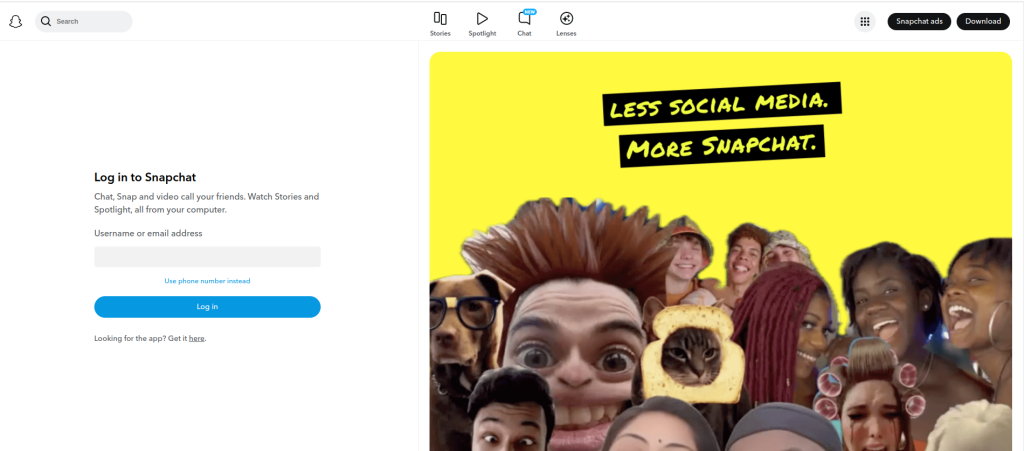
Snapchat has been a pioneer in face-changing AI filters, and during Halloween, it rolls out some of the most exciting lenses. You can transform into zombies, vampires, or even comic characters, with the AI automatically adjusting the effect to your facial expressions.
Pros:
Free to use
Large selection of Halloween-themed filters
Cons:
Limited to Snapchat’s ecosystem for sharing
Also Reads: 10 Best AI Websites to Help Find a Job
2. FaceApp
Key Features:
- Realistic aging and gender-swap features
- Halloween-specific filters
- AI-powered effects
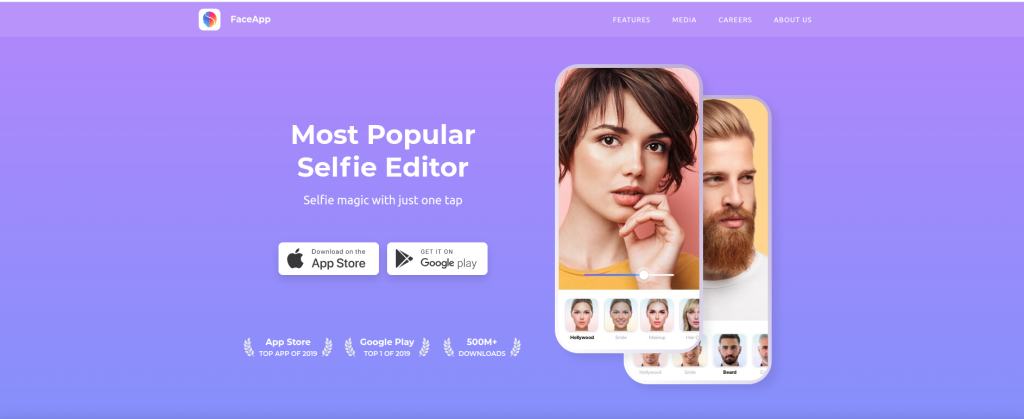
FaceApp is well-known for its highly realistic facial transformations. The app has introduced several spooky effects during Halloween, including vampire transformations and aging features that can make you look like an ancient creature.
Pros:
Extremely realistic transformations
Free and premium options available
Cons:
Some advanced filters require a subscription
Also Reads: 10 Best AI Software for Cover Letter Editing
3. Reface

Key Features:
- Swaps your face with characters in famous movie clips
- Realistic face-morphing technology
- Halloween-specific content during October
Reface uses advanced AI to swap your face with characters in movie scenes, including Halloween classics. The app also allows you to share your videos and GIFs on social media, making it perfect for Halloween celebrations.
Pros:
Hilarious and high-quality face swaps
Perfect for sharing spooky content
Cons:
Limited free content, with some features behind a paywall
Also Reads: 10 Best AI Image Generators for Coloring Pages
4. Zombify
Key Features:
- Turn yourself into a zombie
- Customizable features (wounds, decaying skin)
- Shareable animated effects
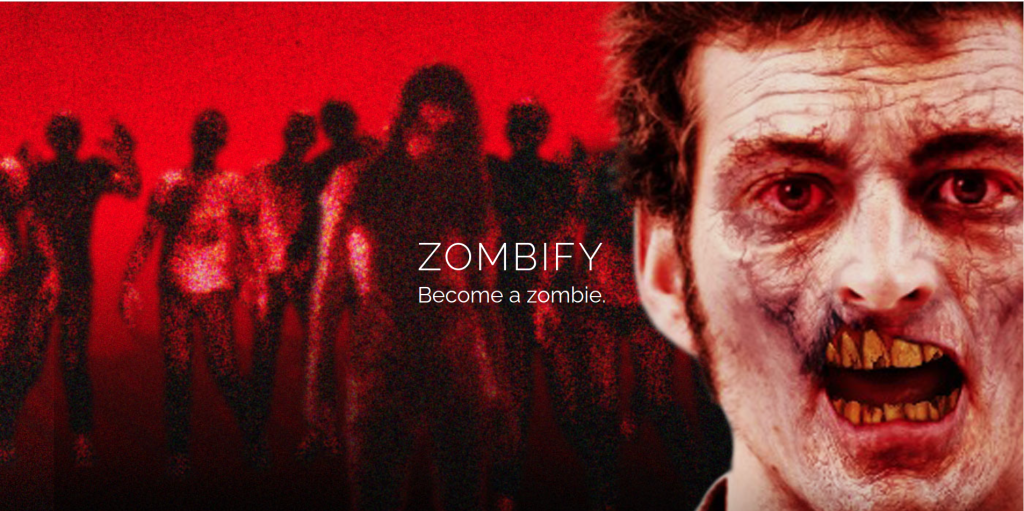
Zombify does one thing extremely well—turning your face into a terrifying zombie. With detailed wounds, decaying skin, and hauntingly realistic effects, it’s a great tool to make a horror-themed transformation for Halloween.
Pros:
High level of customization
Fun and engaging zombie transformations
Cons:
Focuses solely on zombie effects
5. Halloween Booth
Key Features:
- Multiple Halloween masks and effects
- AI face recognition technology
- One-click transformations
Halloween Booth provides a variety of eerie masks and effects, all designed to make your Halloween experience even more fun. The app’s AI automatically detects your facial features, applying the selected mask seamlessly.
Pros:
Simple to use
Wide range of Halloween masks
Cons:
Limited advanced customization
6. MSQRD
Key Features:
- Real-time face filters
- Halloween-specific masks
- Video recording and sharing options
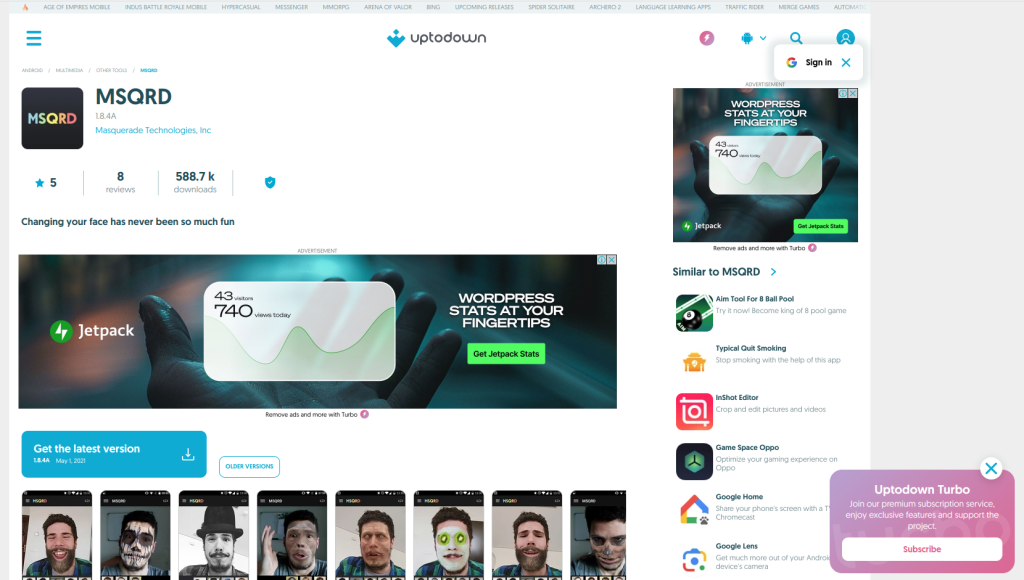
MSQRD (acquired by Facebook) uses real-time face tracking to overlay filters on your face, allowing you to transform into various Halloween characters. The app also offers video recording, perfect for sharing your spooky transformations.
Pros:
Real-time face tracking
Easy to use for both photos and videos
Cons:
App updates have slowed down since Facebook acquisition
7. YouCam Makeup
Key Features:
- Halloween makeup effects
- AI-driven face recognition
- Virtual try-ons for makeup
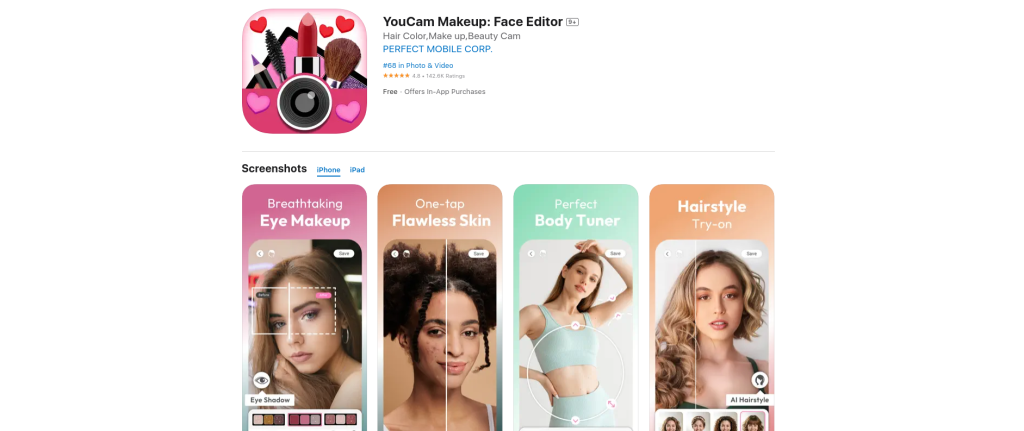
YouCam Makeup combines AI with makeup artistry, allowing you to virtually apply Halloween-themed makeup effects. From vampire looks to glamorous witches, this app helps you experiment with Halloween makeup without needing actual products.
Pros:
High-quality makeup effects
Fun and easy to use
Cons:
Some features require in-app purchases
8. Photo Lab Picture Editor

Key Features:
- AI-powered face effects
- Hundreds of Halloween-themed filters
- Easy sharing to social media
Photo Lab Picture Editor is known for its wide variety of AI-powered effects, including Halloween themes. Whether you’re looking to add ghostly apparitions or eerie face masks, this tool makes it easy to create high-quality, spooky images.
Pros:
Large selection of filters and effects
Works on both images and videos
Cons:
Ads and in-app purchases can be distracting
9. Scary Mask Halloween Camera

Key Features:
- Customizable Halloween masks
- Real-time face tracking
- Apply effects in both photos and videos
Scary Mask Halloween Camera offers a great range of scary masks that automatically adjust to your face in real-time. You can record videos or take photos with these masks applied, perfect for Halloween content creation.
Pros:
Fun and spooky mask selection
Real-time filters
Cons:
Basic design features compared to other tools
10. DeepArt

Key Features:
- AI-powered artistic transformations
- Realistic and eerie Halloween styles
- Advanced customization options
DeepArt uses AI to transform your photos into artistic creations. During Halloween, it offers specific styles that can turn your face into eerie, surreal pieces of art. It’s perfect for those looking for a unique and artistic Halloween transformation.
Pros:
Unique artistic transformations
High-quality AI-powered effects
Cons:
Requires more time to apply transformations than real-time apps
Comparison Table: 10 Best AI Halloween Face Changer Tools
| Tool Name | Key Features | Pros | Cons |
|---|---|---|---|
| Snapchat’s AI Lenses | Halloween filters, real-time tracking | Free, fun lenses | Snapchat-only sharing |
| FaceApp | Realistic filters, AI-driven effects | High-quality transformations | Premium features require subscription |
| Reface | Face swaps with movie characters | Realistic face-morphing | Limited free content |
| Zombify | Zombie effects, customization options | Highly detailed zombie looks | Limited to zombie effects |
| Halloween Booth | AI masks, easy transformations | Simple to use | Limited customization |
| MSQRD | Real-time face filters, videos | Fun real-time tracking | Few recent updates |
| YouCam Makeup | AI Halloween makeup, virtual try-ons | Great makeup effects | Some paid features |
| Photo Lab Picture Editor | AI-powered filters, Halloween effects | Many free filters | Ads in free version |
| Scary Mask Halloween Camera | Spooky masks, real-time tracking | Fun mask selection | Basic features |
| DeepArt | AI-powered art transformations | Unique artistic effects | Slower than real-time apps |

Closing Remarks
10 Best AI Halloween Face Changer Tools With Halloween just around the corner, it’s the perfect time to experiment with your spooky looks using AI-powered tools. Whether you’re looking for fun filters like those from Snapchat and Reface, or more artistic and detailed transformations from tools like DeepArt, there’s an AI tool to help you get creative this Halloween. Choose the one that fits your style and get ready to share some spooky, eerie, and fun transformations!
Interesting Reads: