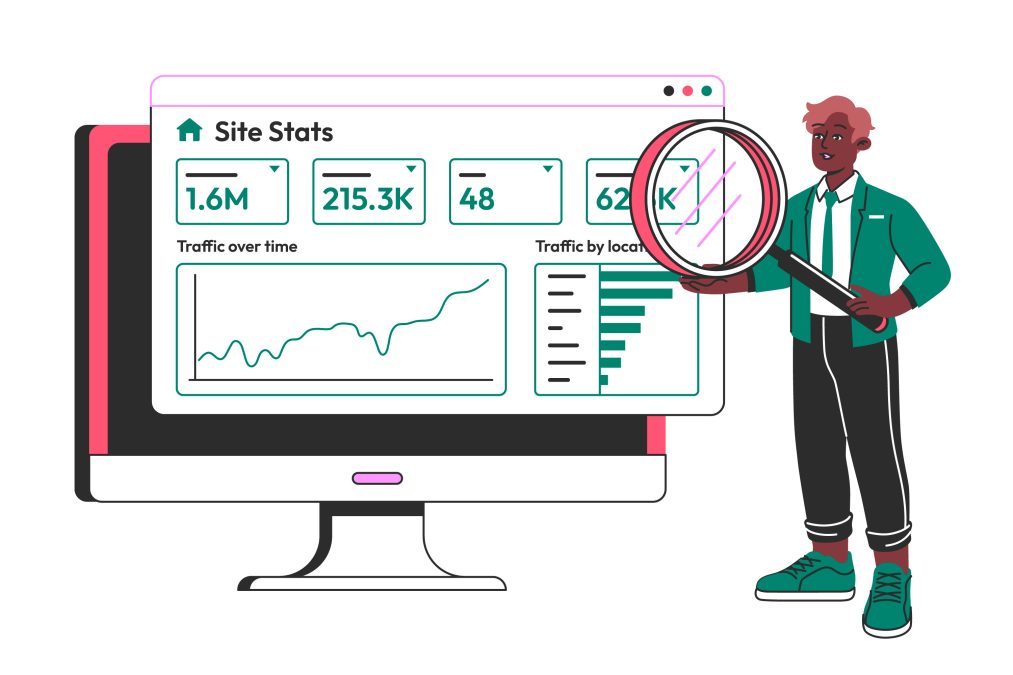
Understanding your website’s traffic is crucial for optimizing your digital strategy. Whether you’re a blogger, marketer, or business owner, the ability to monitor and analyze website traffic gives you valuable insights into user behavior, engagement, and performance. With a plethora of tools available, choosing the right one can be overwhelming. In this post, we will explore the 10 best website traffic checking tools that are designed to help you track, monitor, and analyze your website’s visitors and their interactions.

Why Website Traffic Checking Tools Matter
Tracking your website’s traffic is more than just counting the number of visitors. These tools help you see where your visitors are coming from, how they interact with your website, which pages are most popular, and how long they stay. Knowing this information allows you to tweak your content, improve your SEO, and ultimately boost your conversions. Therefore, using the right traffic checking tool can make a world of difference in the success of your online presence.
1. Google Analytics
Key Features:
- Real-time tracking
- Audience segmentation
- Comprehensive traffic source analysis
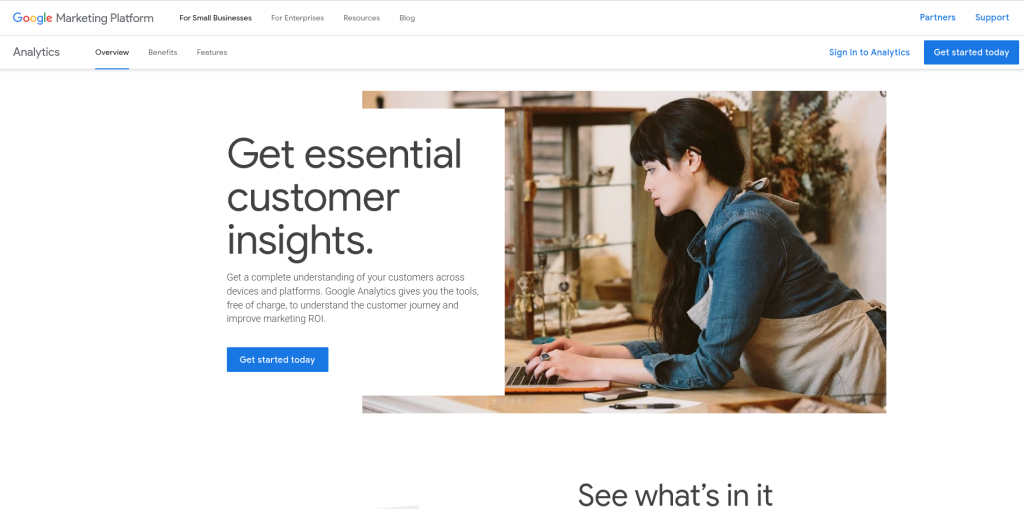
Google Analytics is a top choice for anyone serious about monitoring website traffic. As a free tool, it offers detailed reports on user behavior, traffic sources, bounce rates, and much more. With Google Analytics, you can see which marketing strategies are working and adjust them accordingly.
Pros:
Free and highly detailed
Integrates seamlessly with Google Ads and Search Console
Cons:
Can be overwhelming for beginners due to the depth of features
2. SEMrush
Key Features:
- Traffic analytics
- Organic and paid traffic insights
- Competitor analysis
SEMrush is primarily known as an SEO tool, but its traffic analytics feature is powerful for checking website traffic. It not only shows your own website data but also allows you to spy on your competitors’ traffic stats. This gives you a well-rounded view of where you stand in your niche.
Pros:
Extensive competitor analysis
Tracks organic, paid, and social traffic
Cons:
Expensive for small businesses and startups
3. Ahrefs
Key Features:
- Organic traffic insights
- Backlink analysis
- Keyword tracking
Ahrefs is another SEO tool with robust traffic checking features. It shows which pages on your site get the most organic traffic, the search queries that drive that traffic, and the backlinks supporting your rankings. Ahrefs is perfect for those who want to combine SEO and traffic analysis in one tool.
Pros:
Excellent for SEO-driven traffic
Backlink analysis is second to none
Cons:
High learning curve for beginners
4. SimilarWeb
Key Features:
- Traffic overview for multiple sites
- User behavior and engagement insights
- Competitor traffic comparison
SimilarWeb is a go-to tool for those who want a broader market perspective. It offers traffic insights not just for your site but also for competitors. You can see how much traffic a site gets, where it comes from, and how users interact with it, making it invaluable for market research.
Pros:
Comprehensive data on competitors
Useful for both individual websites and market trends
Cons:
Premium features are expensive
5. Ubersuggest
Key Features:
- Traffic volume and trends
- SEO and keyword suggestions
- Competitor traffic analysis
Ubersuggest has become a popular traffic checking tool thanks to its affordability and simplicity. Developed by Neil Patel, this tool gives you an overview of your traffic, along with SEO insights to help you grow it. It’s perfect for beginners who need a straightforward tool without breaking the bank.
Pros:
Easy to use and budget-friendly
Useful SEO suggestions
Cons:
Limited advanced features for pro users
6. Quantcast
Key Features:
- Demographic and audience insights
- Traffic segmentation
- Real-time data
Quantcast focuses on providing detailed demographic insights and audience behavior, making it ideal for marketers. It shows you where your traffic is coming from, what type of content attracts visitors, and helps with targeting the right audience for ads or content marketing campaigns.
Pros:
Deep audience and demographic insights
Real-time traffic tracking
Cons:
Less comprehensive for overall traffic analytics compared to other tools
7. Alexa by Amazon
Key Features:
- Traffic rank comparison
- Audience demographics
- SEO keyword tools
Alexa offers a suite of tools that help analyze website traffic, but its primary strength is competitor analysis. You can compare your site’s traffic with others in your industry, discover traffic-driving keywords, and understand your audience better.
Pros:
Focuses heavily on competitor analysis
Provides useful SEO insights
Cons:
Paid tool with a somewhat dated interface
8. Moz Pro
Key Features:
- Organic traffic insights
- SEO tracking and site audits
- Backlink analysis
Moz Pro is one of the oldest and most respected tools in the SEO world. It provides in-depth analysis of your website’s traffic, focusing on organic search traffic. With its additional tools like site audits and keyword rankings, Moz Pro offers a holistic view of your website’s SEO health.
Pros:
Excellent for tracking organic traffic
Strong SEO tools for growth
Cons:
Expensive for smaller websites
9. Piwik PRO
Key Features:
- GDPR-compliant analytics
- Real-time traffic data
- On-premise hosting option
For those who prioritize privacy, Piwik PRO is a self-hosted analytics tool that’s GDPR-compliant. It provides traffic insights similar to Google Analytics but with more control over data privacy. It’s a great option for businesses that want to maintain control over user data while still gaining valuable insights.
Pros:
Full control over user data
Great for privacy-focused websites
Cons:
More complex to set up and maintain
10. Matomo
Key Features:
- 100% data ownership
- Real-time traffic tracking
- Customizable reports and dashboards
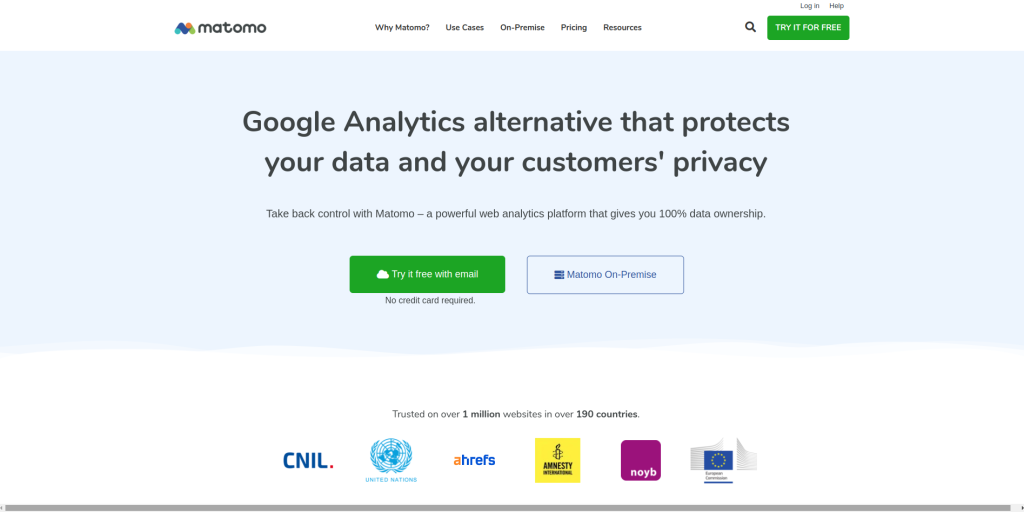
Matomo, formerly known as Piwik, offers real-time traffic analysis with the bonus of complete data ownership. If you want a Google Analytics alternative that offers detailed traffic insights without compromising on data privacy, Matomo is an excellent choice.
Pros:
Complete data ownership
Highly customizable
Cons:
Requires technical expertise for setup
Comparison Table: 10 Best Website Traffic Checking Tools
| Tool Name | Key Features | Pros | Cons |
|---|---|---|---|
| Google Analytics | Real-time tracking, audience segmentation | Free and detailed, integrates with Google | Overwhelming for beginners |
| SEMrush | Traffic analytics, competitor insights | Excellent competitor analysis | Expensive for small businesses |
| Ahrefs | Organic traffic insights, backlink analysis | Great for SEO-driven traffic | High learning curve |
| SimilarWeb | Competitor comparison, traffic overview | Comprehensive competitor insights | Expensive premium features |
| Ubersuggest | SEO and traffic insights, competitor analysis | Easy to use and affordable | Limited advanced features |
| Quantcast | Demographic insights, real-time data | In-depth audience insights | Less comprehensive traffic analytics |
| Alexa | Traffic rank comparison, audience insights | Great for competitor analysis | Dated interface |
| Moz Pro | Organic traffic tracking, SEO site audits | Strong SEO tools | Expensive for smaller sites |
| Piwik PRO | GDPR-compliant, real-time traffic | Full control over data | Complex setup |
| Matomo | 100% data ownership, customizable reports | Complete data ownership | Technical expertise required for setup |

Closing Remarks: Choosing the Best Website Traffic Checking Tool
Selecting the right traffic checking tool depends on your specific needs, budget, and expertise. If you’re looking for a free and reliable solution, Google Analytics is hard to beat. For competitive insights, SEMrush and SimilarWeb offer robust features. On the other hand, if privacy is your primary concern, tools like Piwik PRO and Matomo give you full control over your data. Regardless of your choice, regularly monitoring your website traffic can give you valuable insights that lead to better decision-making and improved performance.
Interesting Reads
10 Best AI Tool to Create Vector Art